12 Inspiring Websites UI Examples to Elevate Your Design 2026
Discover 12 inspiring websites UI examples for 2026 that showcase top trends and conversion strategies Learn how to elevate your design with expert insights
Struggling to create a websites ui that truly stands out in 2026’s crowded digital landscape? UI inspiration is the secret ingredient behind breakthrough ideas and memorable product experiences.
In this article, you’ll discover 12 of the most inspiring websites UI examples. Each one showcases innovative design, seamless usability, and conversion-focused strategies to elevate your next project.
Explore the latest trends, learn what makes these UIs unique, and get actionable insights you can apply to your own work. Ready to transform your approach? Dive in and unlock the keys to next-level design.
The Power of UI Inspiration in Modern Web Design
The Role of UI Inspiration in the Creative Process
Curated inspiration is a powerful accelerator for any designer tackling websites ui. A fresh gallery of ideas can quickly spark solutions for tricky interface challenges, helping you sidestep creative blocks. In fact, research shows that first impressions are 94% related to design, highlighting just how vital visual impact is for websites ui.
Browsing inspiration platforms also enables you to benchmark your work against industry leaders. This breaks “design tunnel vision,” ensuring your work remains innovative. Many founders start redesigns by reviewing inspiration sites, using them as a north star for their own websites ui projects.
Current Trends Shaping Website UI in 2026
Websites ui in 2026 are defined by trends such as dark mode, minimalism, bold typography, and micro-interactions. These trends are not just about looks—they drive better usability and engagement.
Mobile-first and accessibility best practices continue to influence design decisions, as do robust design systems and component-based approaches. AI-driven personalization and dynamic content are now mainstream, ensuring websites ui offer seamless experiences across every device and touchpoint.
Why UI Examples Drive Better Conversion and User Experience
Effective websites ui are directly linked to stronger conversion rates and improved user experience. Great UI reduces friction and creates smoother onboarding, making it easier for users to complete key actions.
According to Web Design Statistics for 2026, conversion-focused design leads to higher engagement and revenue. UI audits often reveal “conversion blockers” that, once fixed, boost metrics. SaaS startups commonly see measurable improvements in signups and retention after a focused websites ui overhaul.
How to Use UI Examples for Your Own Projects
To get the most from websites ui inspiration, follow a step-by-step approach. Start by analyzing design patterns from leading examples, then adapt them to fit your brand and user needs.
Rather than copying, extract actionable ideas and organize them by use case—like landing pages or dashboards. Share your inspiration with your team for collaborative feedback. Keeping an ongoing collection ensures your websites ui always reflect the latest trends and best practices.
12 Inspiring Websites UI Examples to Elevate Your Design 2026
Looking for breakthrough ideas to make your websites ui stand out in 2026? This handpicked list spotlights 12 platforms and showcases that are redefining how designers approach user interface excellence. Each example below offers actionable strategies, unique features, and fresh perspectives you can bring into your next project.
Grauberg
Grauberg is a powerhouse for SaaS founders and tech teams seeking high-impact websites ui. Their offerings range from rapid audits (€49) to full-scale design partnerships (€5K–€12K/mo). The core promise is end-to-end product and website design, delivered by a senior-only team with direct founder involvement.
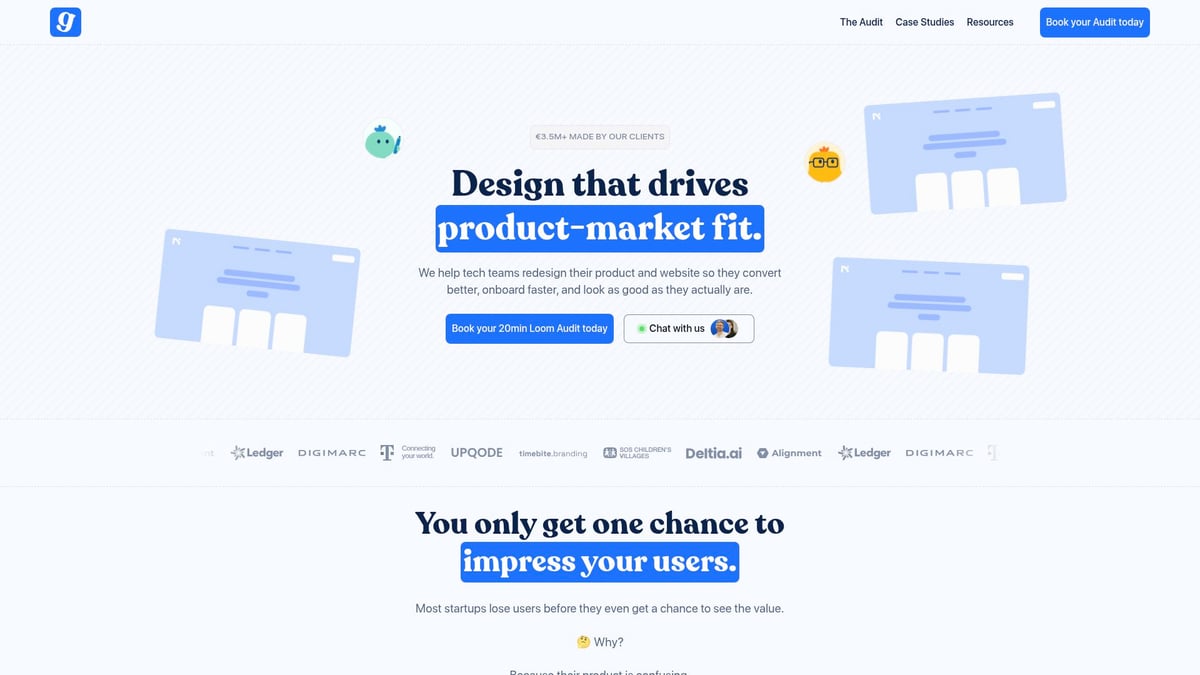
What sets Grauberg apart is speed and strategy. You get actionable insights in 48 hours, dev-ready assets, and a proven track record of boosting conversion rates. Flexible packages cater to launches, funding rounds, and onboarding optimization—critical moments for any websites ui.
A standout feature is their focus on unified product-website journeys. This approach ensures a seamless experience, which is vital for SaaS MVPs and startups chasing product-market fit. While their premium pricing may not fit every budget, the return on investment is clear for those prioritizing performance.
For a deeper dive into real-world strategies that drive results, explore Web UI design strategies as a companion resource to these inspiring examples.
Mobbin
Mobbin is a research goldmine for websites ui inspiration. With a database of over 100,000 searchable UI/UX screenshots drawn from real apps and sites, Mobbin saves countless hours for designers and SaaS teams. Its advanced filtering lets you zero in on platform, component, or flow, making benchmarking effortless.
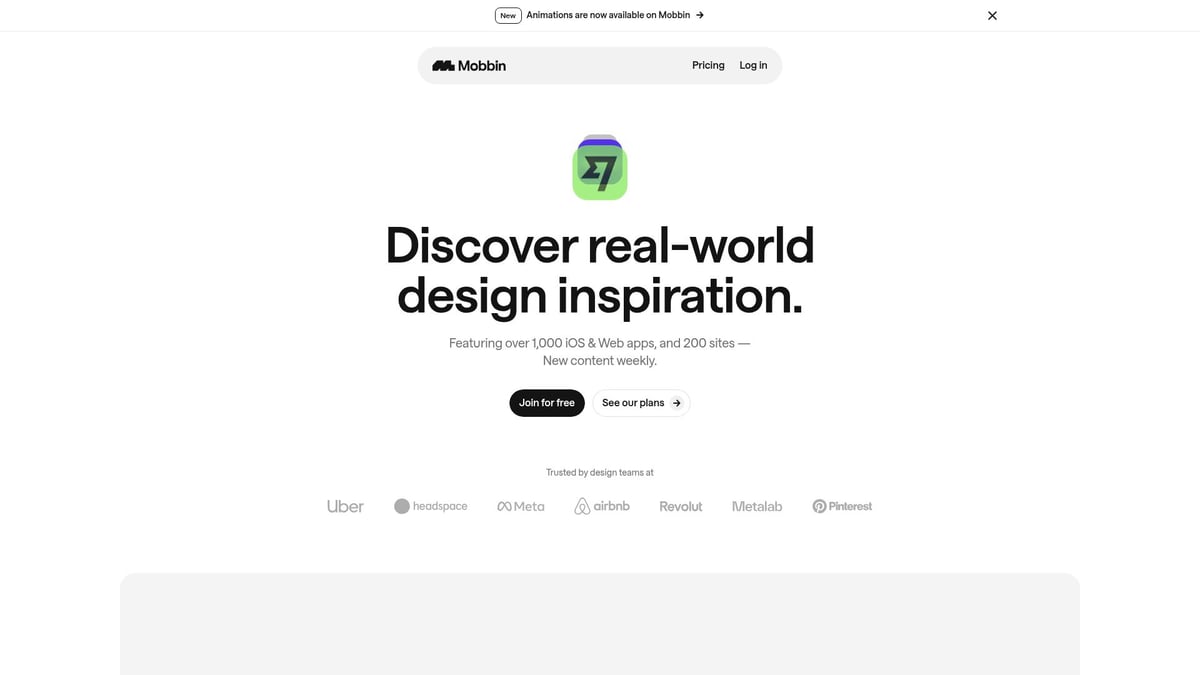
Free and paid tiers provide flexible access. The focus is on mobile and web, which aligns with 2026’s cross-platform user expectations. Pros include a massive, frequently updated collection and easy-to-use search. The only downside is some historical data sits behind a paywall.
Mobbin shines for rapid UI benchmarking, onboarding flow research, and as a daily reference for websites ui improvements. Whether you’re refining a mobile app or designing a new landing page, Mobbin keeps you at the forefront of design trends.
Awwwards
Awwwards is the go-to gallery for award-winning websites ui. It’s more than just inspiration—it’s a curated showcase of innovation judged by an expert panel. Free access gets you into the gallery, while premium features unlock deeper insights and trend reports.
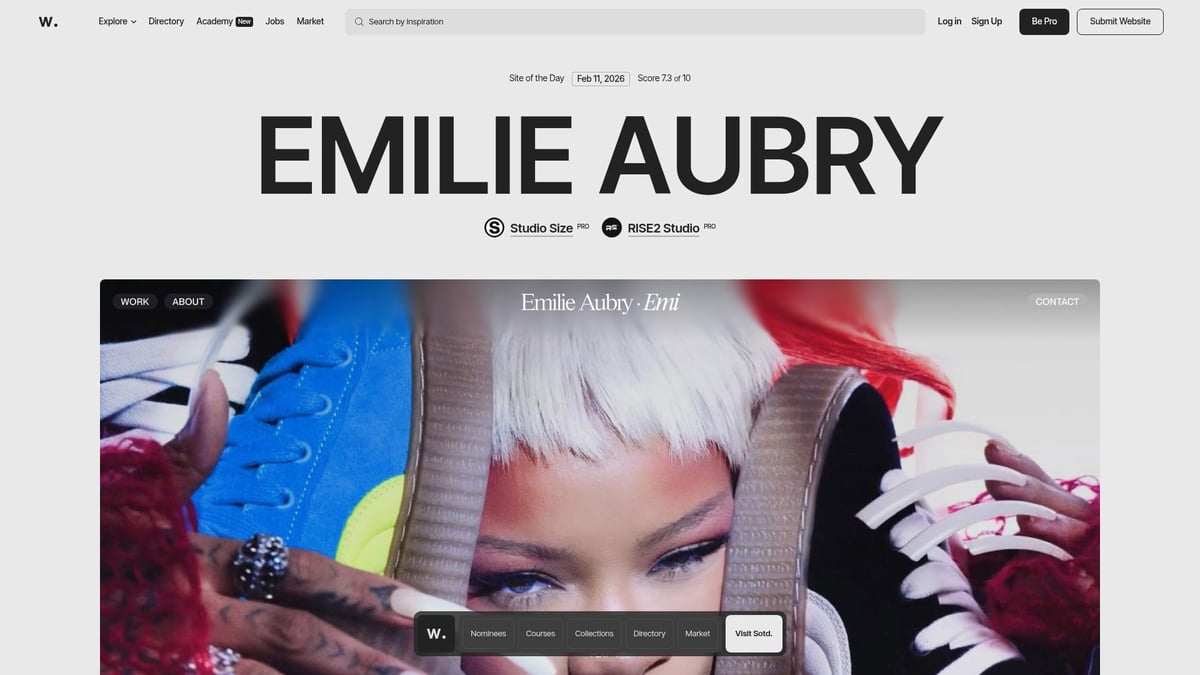
Awwwards stands out for global reach and industry recognition. You’ll find in-depth case studies and trend analyses, perfect for staying ahead in creative concepting. Pros include high-quality, vetted examples and a wide range of industries. The main con is a heavy focus on visually striking sites, sometimes at the expense of usability.
Ideal for agencies, creative directors, and anyone aiming to push boundaries in their websites ui, Awwwards is a staple for portfolio inspiration and design trend discovery.
Pageflows
Pageflows offers a unique twist on websites ui inspiration by focusing on video-based user flow walkthroughs. Instead of static screens, you see real user journeys in web and mobile apps, categorized by tasks like sign-ups and onboarding.
With a paid subscription, you unlock a library of actionable UX patterns and competitor analyses. The platform is a favorite among UX designers and product managers who want to optimize onboarding and conversion flows.
Pageflows’ biggest strength is its focus on actual user experiences, not just visuals. This makes it indispensable for startups and SaaS teams aiming to improve their websites ui through better flow and reduced friction. While it requires a subscription, the depth of UX insight is worth it for serious design work.
Dark Mode Design
Dark Mode Design is a niche gallery dedicated solely to websites ui with beautiful dark themes. As dark mode becomes a standard for accessibility and modern aesthetics, this resource is invaluable for designers looking to elevate their projects.
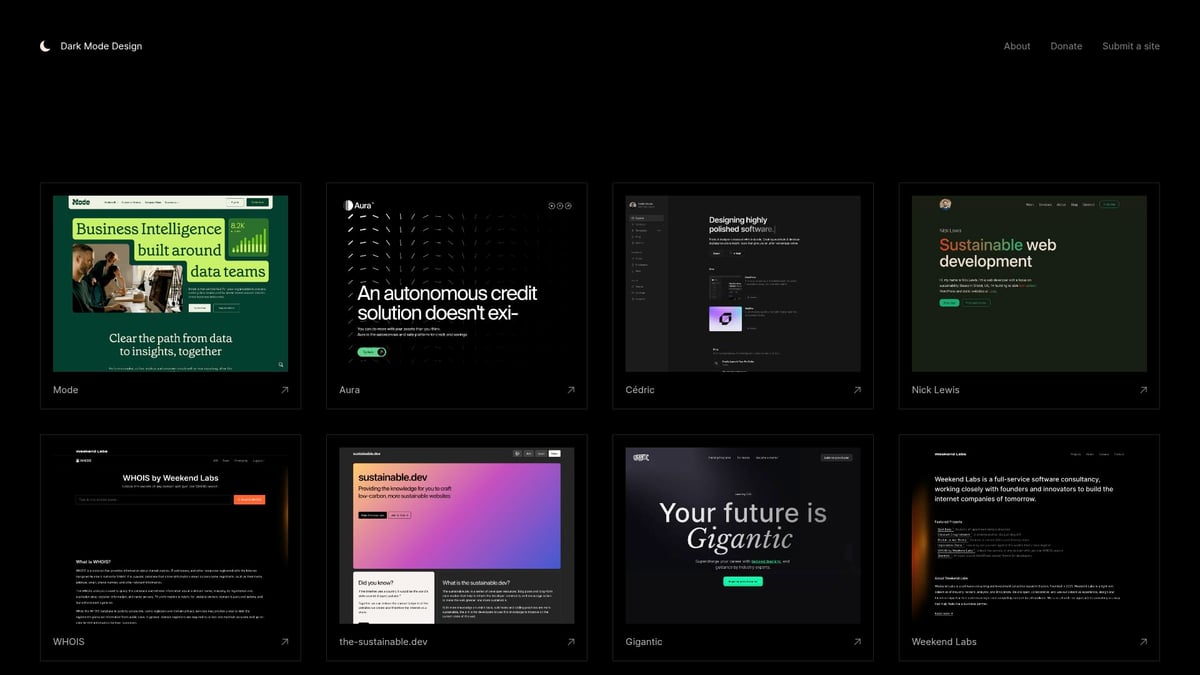
The gallery is free and handpicked, showcasing both UI and UX excellence in dark-themed sites. Browsing is easy, and the focus on accessibility sets it apart. However, its niche focus means it’s less useful for light-themed projects.
Use Dark Mode Design for night mode features, accessibility upgrades, or when you want your websites ui to align with the latest design trends. It’s a quick way to see what’s possible with a darker palette.
Behance
Behance is the world’s leading portfolio platform, making it a top source for websites ui inspiration. Designers from around the globe showcase projects, share process insights, and gather feedback from a vibrant community.
The platform is free, with filters for UI/UX, web, and app design. You’ll find everything from SaaS dashboards to creative portfolios. Pros include unmatched diversity and access to top talent. The main drawback is variable quality and some projects not being real-world implementations.
Behance is perfect for portfolio research, creative networking, and spotting emerging websites ui trends. Whether you’re recruiting talent or hunting for fresh ideas, it’s a must-bookmark resource.
Minimal Gallery
Minimal Gallery curates the best in minimal and clean websites ui. If you value simplicity and function, this is your go-to source. The gallery features timeless designs, often used for SaaS homepages, personal portfolios, and landing pages.
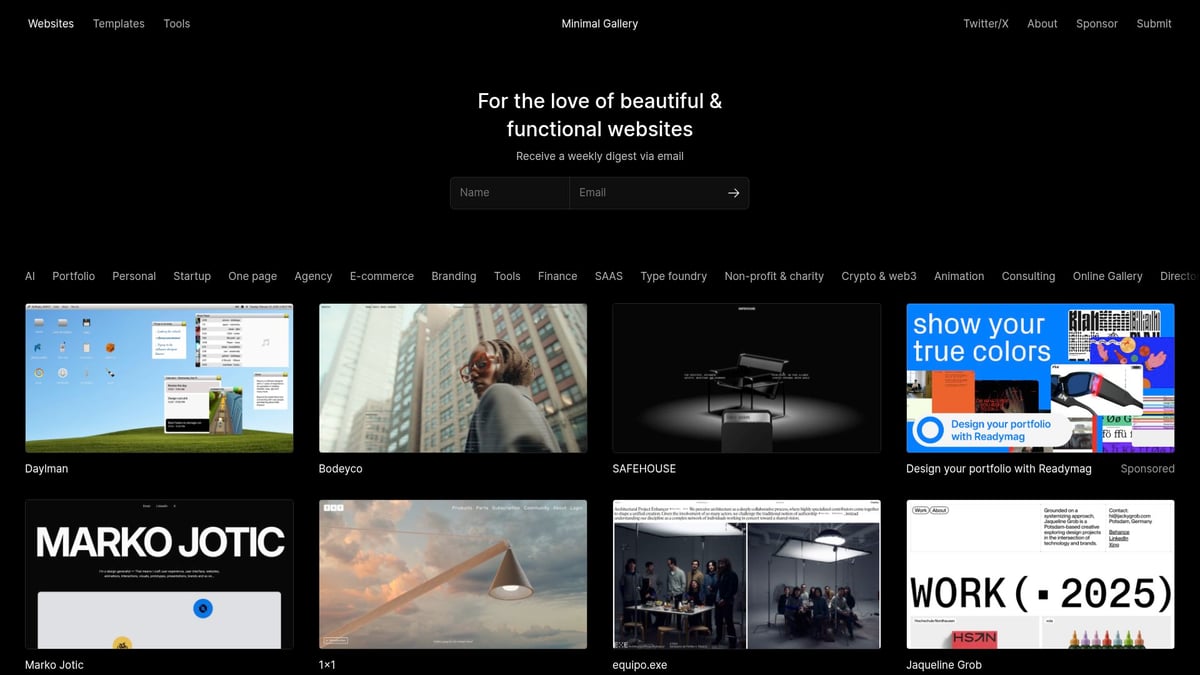
It’s free, updated regularly, and offers high-quality selections. The focus on minimalism means usability sometimes plays second fiddle to aesthetics, but the gallery’s authority in the space is unmatched.
For designers seeking inspiration for uncluttered and elegant websites ui, Minimal Gallery delivers. It’s especially helpful for those building brand-focused or product-driven sites that need to convey trust and clarity.
UXArchive
UXArchive specializes in mobile app user flows, providing over 1,000 end-to-end screenshots from hundreds of apps. The platform helps designers visualize the complete journey, from onboarding to feature launches, mapped by task and industry.
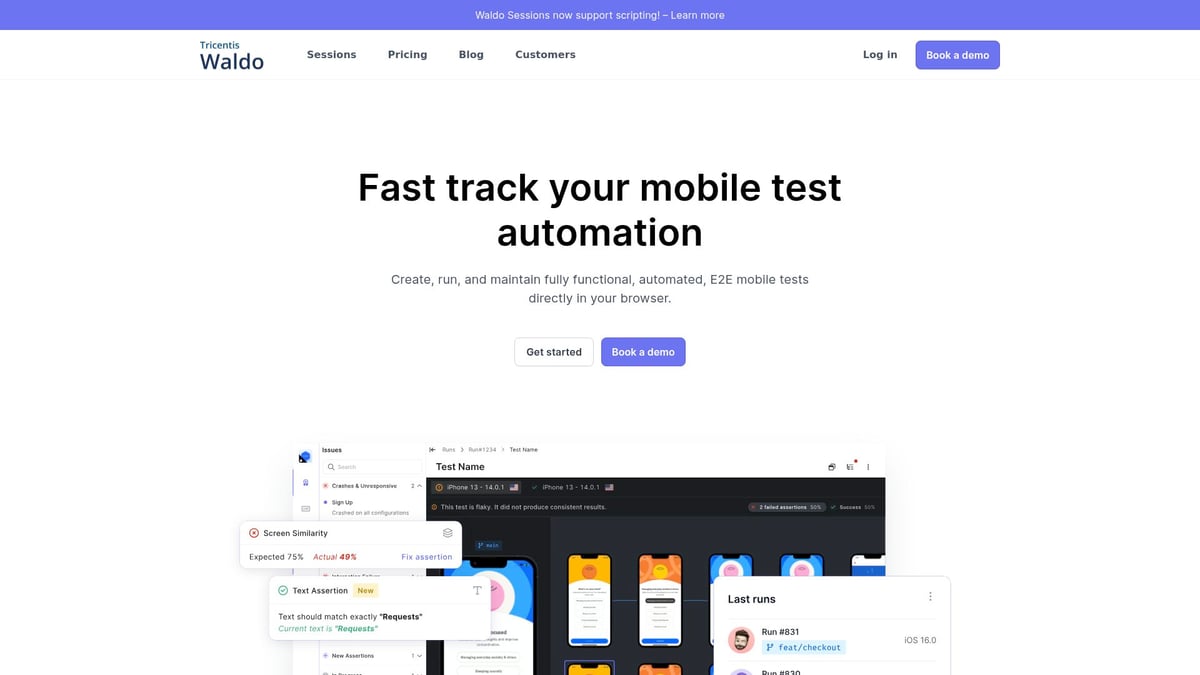
Access is free, and the mobile-first focus is ideal for 2026, where seamless cross-device experiences are essential for websites ui. Pros include comprehensive journey mapping and a deep dive into onboarding flows. The main limitation is its static nature and mobile-only scope.
UXArchive is a top choice for mobile app designers and UX researchers aiming to audit, benchmark, or innovate on existing websites ui flows.
Dribbble
Dribbble is the creative playground for designers sharing UI/UX shots, animations, and prototypes. It’s a hotbed for websites ui trends, micro-interactions, and experimental layouts.
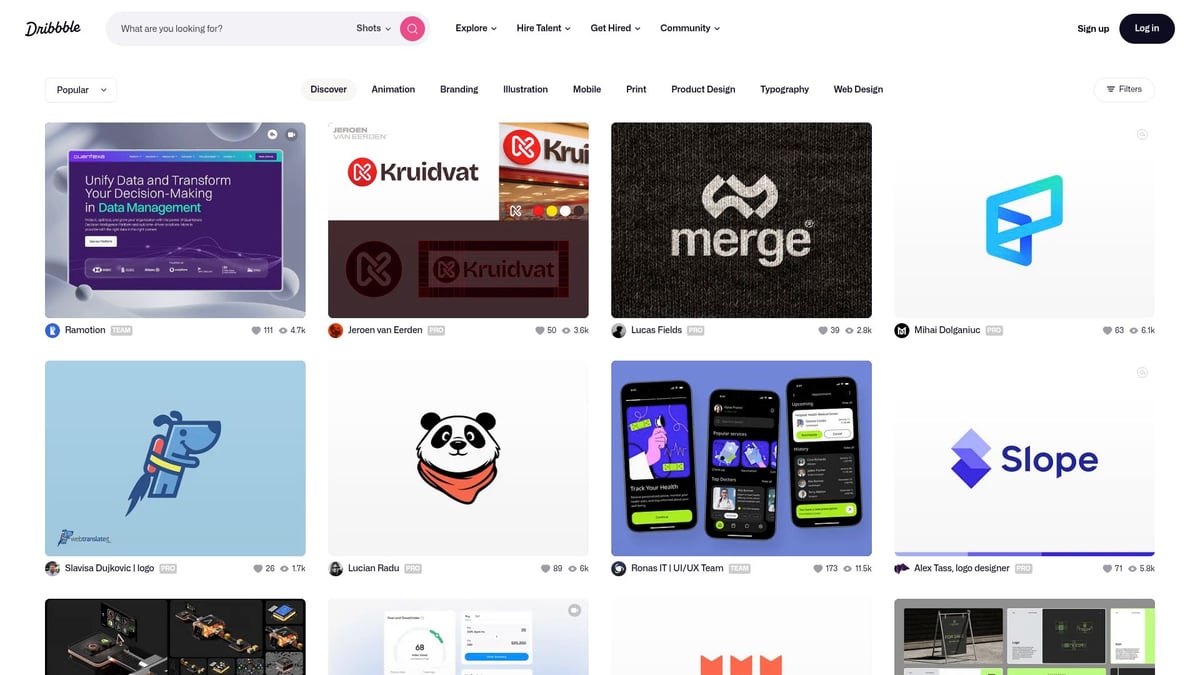
Free to browse, with paid pro features, Dribbble offers community feedback and access to cutting-edge work. Its strengths are freshness and creativity, although not every design is implemented in the real world.
Dribbble is perfect for animation inspiration, discovering micro-interactions, and tracking what’s next in websites ui. If you want your design to feel modern and engaging, this is the place to look.
SiteInspire
SiteInspire is a curated showcase of web and interactive design, letting you filter by style, type, and subject. Its high curation standards and broad spectrum make it a favorite for agencies and developers seeking websites ui ideas.
The platform is free, updated frequently, and fast to search. It emphasizes desktop web, with less focus on UX flows. Still, the variety and filter options make it a strong resource for agency portfolios or creative studios.
For those seeking fresh perspectives on websites ui layouts and branding, SiteInspire delivers inspiration in just a few clicks.
Pttrns
Pttrns is the ultimate resource for mobile app designers seeking real-world websites ui patterns. The platform’s extensive screenshot library is categorized by platform and UI pattern, making it easy to discover what works on iOS or Android.
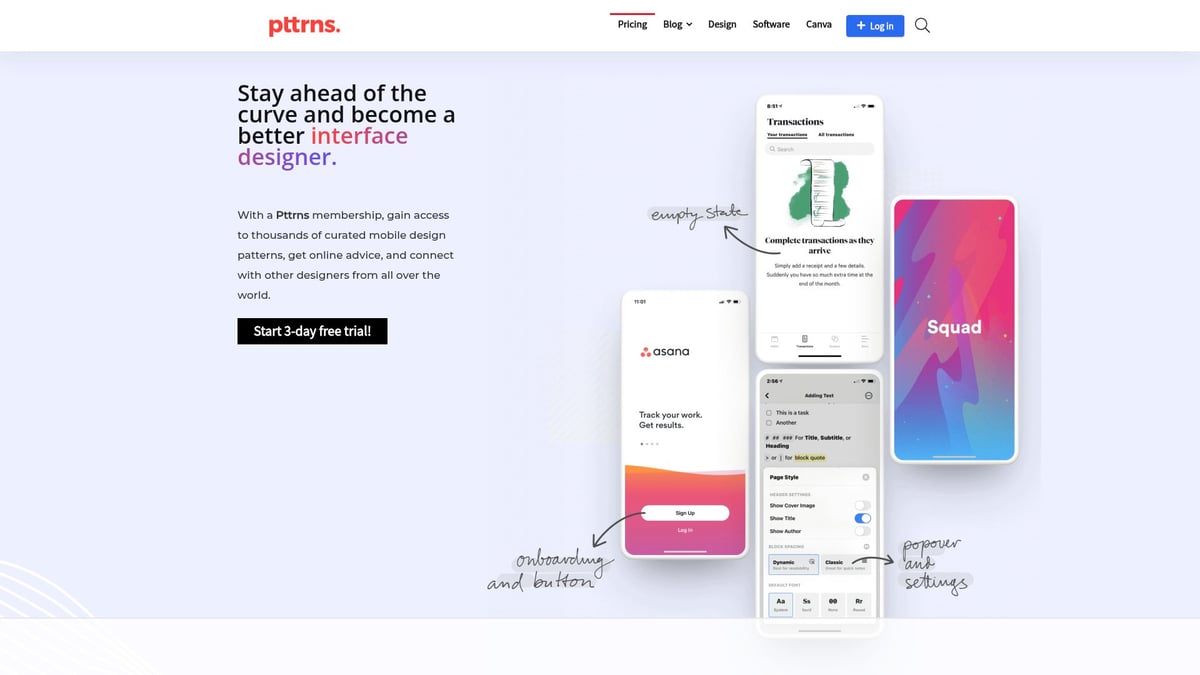
Access is paid, but the depth of the pattern library justifies the investment for product teams and designers. You can quickly find onboarding screens, navigation components, and more. The main limitation is mobile focus and the paywall for full access.
Pttrns is ideal for mobile UI research, cross-platform design, and refining feature flows in your websites ui projects.
Waveguide
Waveguide curates small UI interactions, features, and flows, adding educational explanations for each. The platform is free and focuses on micro-interactions and delight moments, helping designers understand why certain websites ui elements succeed.
Although the gallery is smaller than some competitors, its actionable learning and categorization by UX principle make it a favorite among product designers and educators.
Waveguide is perfect for those seeking to add polish, onboarding delight, or subtle feedback to their websites ui. It’s a great resource for elevating the user experience with small but impactful design choices.
Key Elements That Make These UI Examples Stand Out
What sets truly inspiring websites ui apart from the rest? It’s a combination of art, science, and empathy. Let’s break down the essential elements that make these standout UI examples so effective, memorable, and conversion-focused.
Visual Storytelling and Brand Identity
The best websites ui do more than look good—they tell a story. Visual storytelling weaves brand values, mission, and personality into every pixel, creating instant emotional connections with users.
For instance, platforms like Awwwards showcase creative layouts, bold color palettes, and expressive typography, each reinforcing the brand’s unique voice. Behance portfolios take this further, blending visuals and layout to tell a designer’s journey.
Consistency in color, imagery, and font choices builds trust and recognition. According to competitor data, first impressions are overwhelmingly tied to visual appeal, making this a non-negotiable factor for any successful websites ui.
Usability and Conversion Optimization
Great websites ui are built for action. They use clear calls-to-action, intuitive navigation, and frictionless onboarding to guide users toward conversion.
Patterns like streamlined forms, logical flow, and visible CTAs remove obstacles. Pageflows and UXArchive offer real-world examples of onboarding and conversion flows that minimize user drop-off.
The impact is measurable. After redesigns, companies often see improved engagement and higher conversion rates, proving that usability is key to a high-performing websites ui.
Accessibility and Inclusivity
Accessibility is now a core expectation for standout websites ui. From adequate contrast and scalable fonts to descriptive alt text, these elements ensure everyone can interact with your site.
Modern UI inspiration, like Dark Mode Design, demonstrates how inclusive design can be both beautiful and functional. Following Accessibility in UX and UI best practices is essential for reaching wider audiences and building trust.
Inclusive websites ui not only comply with standards—they create a welcoming experience for all, which ultimately strengthens your brand.
Micro-Interactions and Delightful Details
Subtle animations, feedback cues, and playful effects make websites ui feel alive. Micro-interactions guide users, celebrate actions, and smooth transitions, turning routine tasks into enjoyable moments.
Platforms like Dribbble highlight trending micro-interactions, while Waveguide breaks down why small details matter. These delightful touches increase retention and boost perceived product quality.
A focus on micro-interactions elevates websites ui from functional to memorable, making the user experience both engaging and delightful.
How to Apply UI Inspiration to Your Next Project
Applying insights from websites ui inspiration is a practical way to elevate both creativity and results in your next design project. Let’s break down how to move from browsing examples to building high-performing, user-centric interfaces.
Analyzing and Adapting UI Patterns
Start by studying websites ui examples that align with your project’s goals. Dissect layouts, navigation, and key interactions. Look for patterns that solve similar user problems and fit your business context.
Map these observations to your specific user journeys. Instead of copying, adapt the best elements, ensuring they support your brand and objectives. For a detailed breakdown, check out the process of UI design explained to guide your analysis and adaptation steps.
Review with your team, discuss what works, and consider how these patterns can help users achieve their goals more efficiently.
Building Your Own UI Inspiration Library
Creating a personal websites ui inspiration library will streamline your creative process. Organize collected examples by project type, component, or industry using tools like Notion, Figma, or browser bookmarks.
A simple table can help:
Category | Source | Notes |
|---|---|---|
Landing Pages | Mobbin | Clean CTAs |
Dashboards | Behance | Minimal layout |
Mobile Flows | Pttrns | Smooth onboarding |
Share your library with your team. This collaborative approach multiplies inspiration and keeps everyone aligned on current trends.
Testing and Iterating Inspired Designs
Once you’ve adapted websites ui patterns, prototype your ideas quickly. Use clickable wireframes or mockups to gather real user feedback. Don’t rely solely on internal opinions—let your users guide improvements.
Iterate based on test results. Many startups reach product-market fit by refining inspired designs through cycles of testing and adjustment. This method ensures your UI solutions are not just beautiful, but also effective for your audience.
Staying Ahead: Keeping Up with UI Trends in 2026
To keep your websites ui fresh and relevant, subscribe to design newsletters and join platforms like Behance or Dribbble. Regularly review new inspiration, and schedule team sessions to discuss recent trends.
Competitive audits and ongoing inspiration reviews help you anticipate shifts in user expectations. By embedding this habit into your workflow, you’ll stay a step ahead, ensuring your designs remain both modern and impactful.
Resources for Ongoing Website UI Inspiration
Staying inspired is key to keeping your websites ui sharp and competitive. The right resources can spark new ideas, help you spot emerging patterns, and ensure your designs never feel stale. Whether you are seeking curated galleries or community-driven platforms, there is a wealth of inspiration at your fingertips.
Best Platforms and Communities for UI Inspiration
When it comes to websites ui, not all platforms offer the same experience. Some focus on static screenshots, while others highlight interactive flows or mobile-first approaches. Here is a quick comparison of top resources:
Platform | Type | Focus | Curation Level | Access |
|---|---|---|---|---|
Mobbin | Gallery | Web, Mobile | Curated | Free/Paid |
Awwwards | Showcase | Web | Expert Jury | Free/Paid |
Dribbble | Community | Web, App | Open | Free/Paid |
Behance | Portfolio | All | Open | Free |
SiteInspire | Gallery | Web | Curated | Free |
Pttrns | Patterns | Mobile | Curated | Paid |
Curated sources often provide higher quality, while open communities bring broader variety. Choosing the right mix helps you benchmark your websites ui against both industry leaders and fresh ideas.
Newsletters, Blogs, and Social Channels to Follow
To keep your websites ui on the cutting edge, subscribe to trusted newsletters and blogs. These channels deliver trend reports, expert insights, and handpicked inspiration straight to your inbox.
UX Design Weekly: Curated articles and UI examples every week.
Muzli Magazine: Real-time design inspiration and trends.
UX Planet: In-depth articles and practical tips.
Webflow Blog: Covers future-focused topics like Web Design Trends to Watch in 2026.
Follow design leaders on social media for quick updates and community discussions.
These sources help you spot new patterns in websites ui and keep pace with fast-moving design trends.
Integrating Inspiration into Your Workflow
Inspiration is most valuable when it is woven into your daily design process. Make reviewing websites ui examples a regular part of design sprints and team kickoffs. Try collaborative inspiration sessions where everyone brings their latest finds to the table.
Organize your favorite examples by use case or component so you can access them quickly when needed. For foundational guidance, check out Great UI design principles to ensure your inspiration translates into effective solutions.
Balancing inspiration with originality keeps your websites ui both fresh and uniquely yours.
If you’re feeling inspired to elevate your own website or product after exploring these standout UI examples, why not take the next step? At Grauberg, we’re passionate about turning creative inspiration into real conversion results for B2B startups—connecting every landing page seamlessly with the product journey. If you’re ready to see how your site stacks up or want actionable ideas tailored to your goals, you can Book a free Product Website Audit. It’s a great way to get fresh, expert insight on your user experience and unlock your next big growth opportunity.